Six ideas carry the whole app. None of them are complicated on their own; together they make something no other social app does.
An account is a space someone owns — a project, a group, a business, a ministry. Other people can join it, which lets them create things inside it, or follow it, which lets them watch. The owner decides which is on offer, and can approve joiners one by one.
The unusual part: you can own an account and take part in it as an ordinary member. The app keeps those two roles apart, so what you make as a member stays on the member side of your activity and does not quietly inherit owner privileges.
A channel holds posts. Any post can hold a channel of its own, and that channel holds more posts, which can hold more channels. There is no cap. A single question can branch into a structure that mirrors how the topic actually divides, instead of being flattened into one long list of replies.
Because that can get deep, every item has a channel tree — one screen that draws the whole path from the account at the top down to the exact thing you are looking at, pictures and video included.
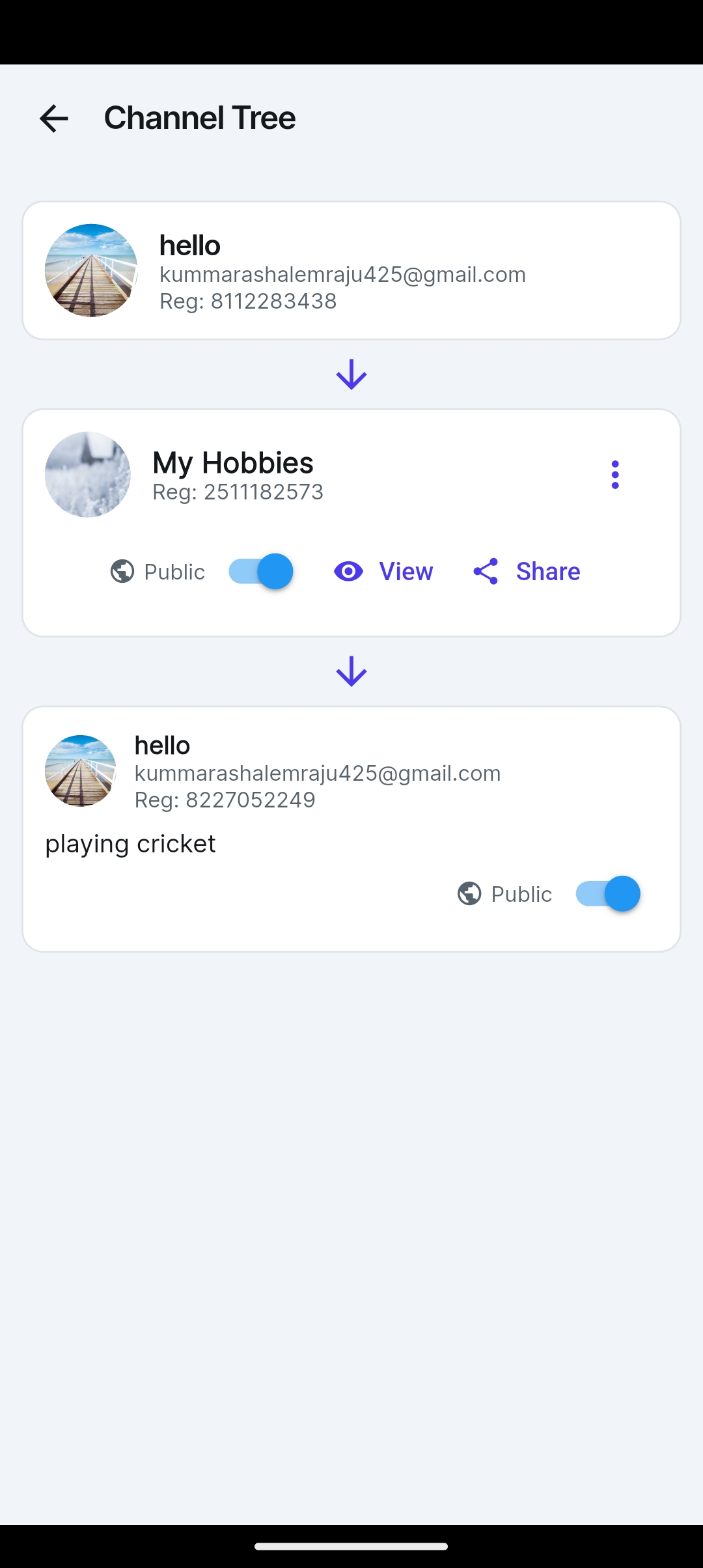
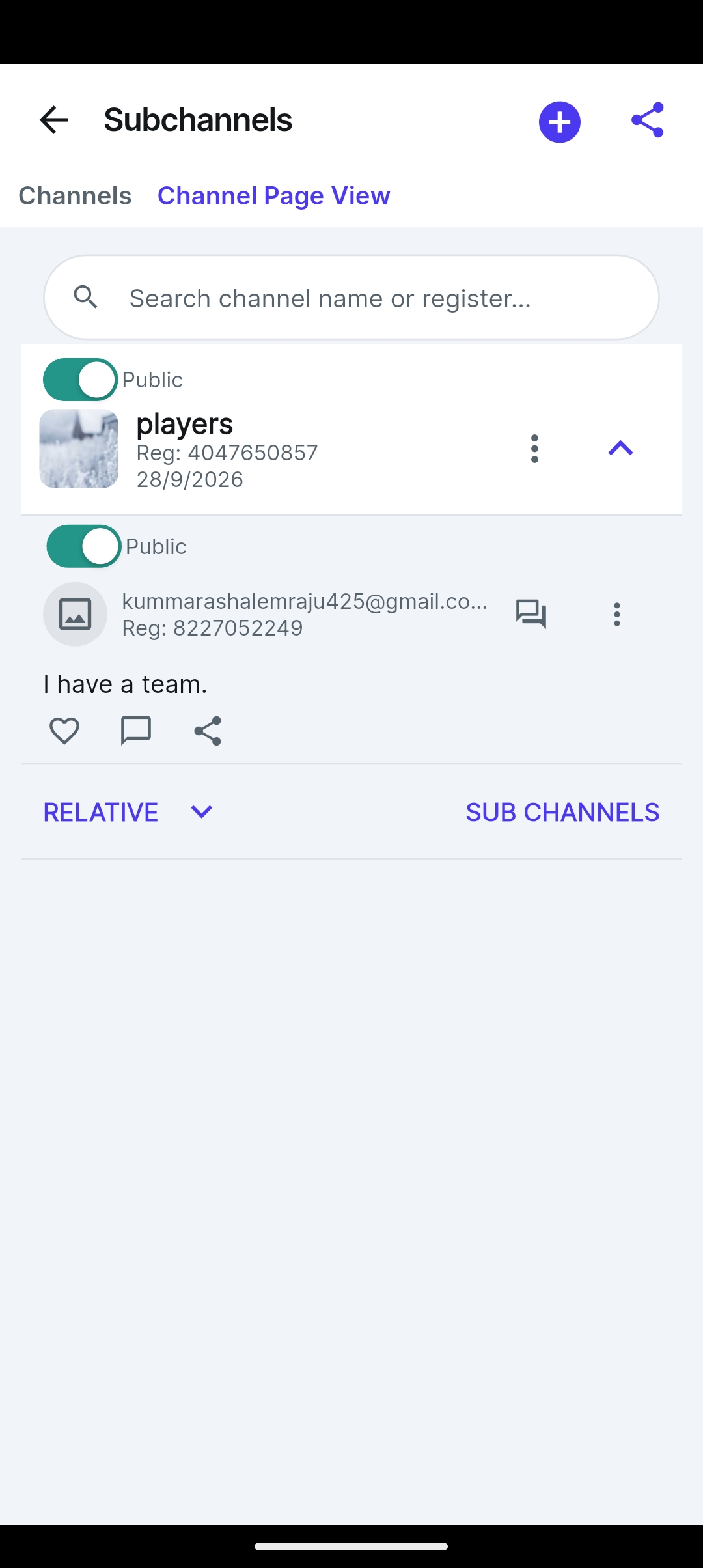
This is the heart of it. Anything you create sits inside a chain — your post is inside a channel, which may be inside another post, inside another channel, inside somebody's account. Every one of those owners has a stake in what appears under their name.
So publishing is not a switch, it is a queue. The request travels up the chain from the bottom. Each person is judged on their own setting: if they have already said "publish things like this by default", they are never asked. Anyone who has not agreed holds a lock, and the post stays private until the last lock clears. One refusal keeps it private, no matter who else has agreed.
If something of yours is being held and you think it should not be, you can send the person holding it a request rather than simply being stuck.
Prepare a channel, an image, a video or a short clip once, and keep it in your personal library. Later, drop it into any account you belong to, as many times as you like. It is the difference between building something for one group and building something you own that you choose to share.
Direct messages carry text, photos, videos, short videos, links and documents. You can also share a channel or a post into a conversation — and the person receiving it can open the channel tree from the message and see exactly where that thing lives, without leaving the chat to go hunting for it.
Ten separate switches govern what other people can see of you: your name, your email, your registration number, your profile picture, whether your likes and comments are public, whether the message icon appears on your profile, and more. Each defaults to a sensible setting and each is yours to change at any time.
The same idea runs down through accounts and channels. An account owner decides whether members may post or create channels; a channel creator decides the same for their own channel — and a channel creator's "no" holds even against the account owner.
Leaving is clean. Leave an account and everything you made there as a member is removed with you — your channels, posts, messages, comments and likes — along with any hidden-item marks you left behind, so rejoining later starts fresh.
Every feature on this page is in the app today. Nothing is held back behind a paid tier.